Best 4k Monitor For Xbox – 2026
Top 4K monitors for Xbox Series X combine HDMI 2.1 support, 120Hz+ refresh rates, and excellent HDR performance for immersive next-gen gaming.
ASUS ROG Swift OLED PG27UCDM
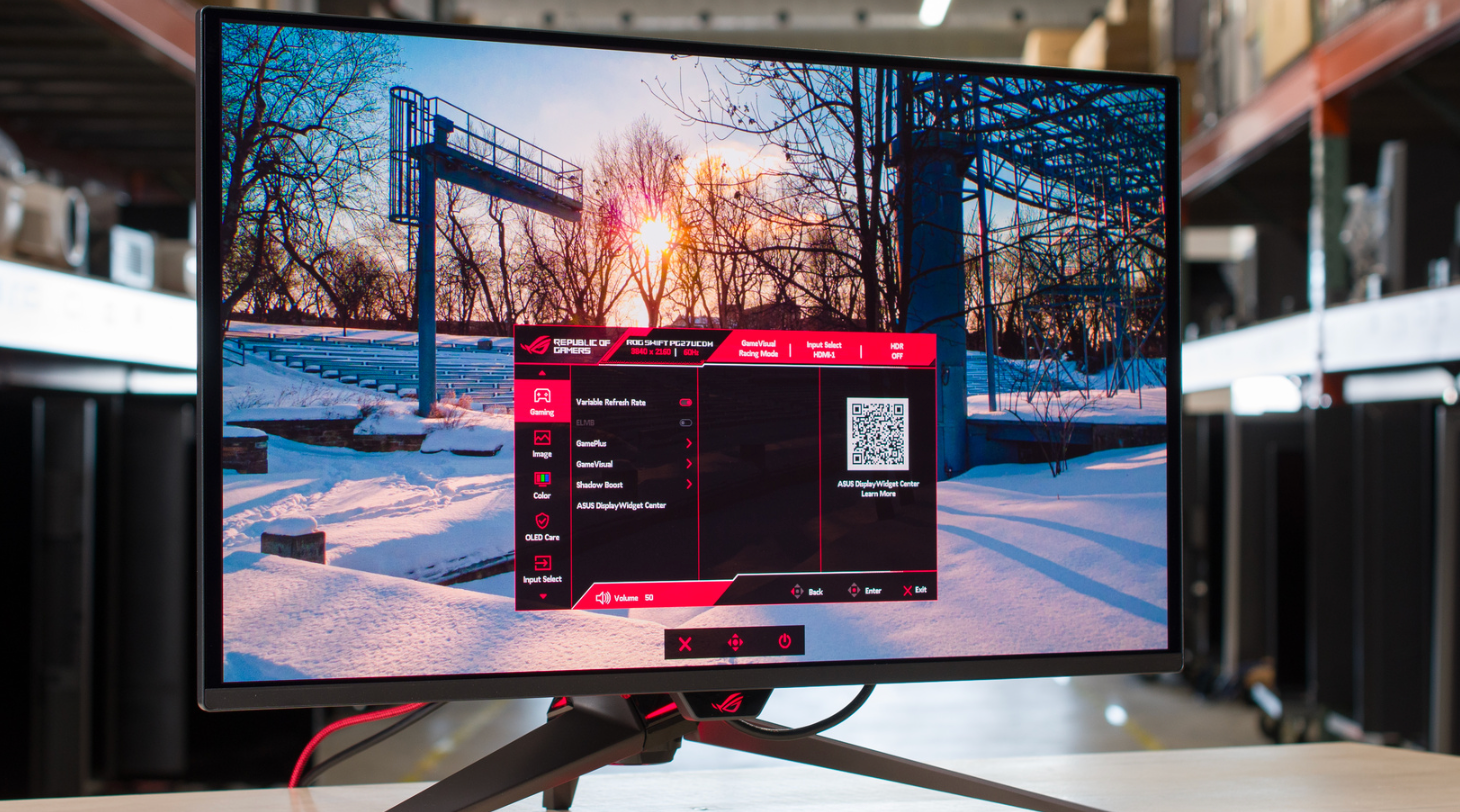
The ASUS ROG Swift OLED PG27UCDM is a high-end gaming monitor. It’s one of the first to come out with a 4k, 240Hz 27-inch QD-OLED panel, competing with other models that use the same panel, like the MSI MPG 272URX QD-OLED, the Dell Alienware AW2725Q, and the Samsung Odyssey OLED G81SF S27FG810S. It’s a higher-end model than the ASUS ROG Strix OLED XG27UCDMG, which lacks some features that the PG27UCDM has, like DisplayPort 2.1 with 80Gbps bandwidth, and it’s smaller than the ASUS ROG Swift OLED PG32UCDM. This monitor has other gaming features, like support for all common VRR formats, and different crosshairs and vision modes. Plus, it has a few customizable settings in HDR, Dolby Vision support, a USB hub that includes a KVM switch, and a Neo Proximity Sensor that detects when you’re away from the screen to turn it off, reducing the risk of burn-in.
The ASUS PG27UCDM is fantastic for PC gaming. Motion looks sharp at any refresh rate, it has low input lag for a responsive feel, and it supports all common VRR formats. Plus, you can reach its max 240Hz refresh rate without using compression thanks to its DisplayPort 2.1 bandwidth. One downside is that it has noticeable VRR flicker with changing frame rates, and its anti-flicker feature doesn’t fix this. On the plus side, it delivers remarkable picture quality with deep blacks in dark rooms, bright highlights, and vivid colors.
Although the ASUS ROG Swift OLED PG32UCDM is a larger QD-OLED with many of the same specs, it’s a different monitor. The ASUS ROG Strix OLED XG27UCDMG is also a similar QD-OLED, but it’s lower-end in the ASUS gaming lineup and a different model.
| Name | Size | Pixel Type | Max Refresh Rate | Native Resolution | Inputs |
|---|---|---|---|---|---|
| ROG Swift PG27UCDM | 27″ | QD-OLED | 240Hz | 4k | 1x DP 2.1 2x HDMI 2.1 1x USB-C |
| ROG Strix XG27UCDMG | 27″ | QD-OLED | 240Hz | 4k | 1x DP 1.4 2x HDMI 2.1 1x USB-C |
2. Dell Alienware AW2725Q
If you find the ASUS ROG Swift OLED PG27UCDM too expensive for your budget, the Dell Alienware AW2725Q is a similarly performing option you can get for less, especially when it’s on sale. It’s another 4k, QD-OLED, so it has many of the same benefits, like deep blacks, vivid colors, and incredible motion handling. There are still some differences, as the Dell isn’t as bright as the ASUS, so it’s a worse choice for gaming in well-lit rooms. The Dell is also less accurate in HDR, as it overbrightens most content. While this may seem minor, it affects picture quality when gaming on an Xbox and can cause a loss of detail in brighter games.
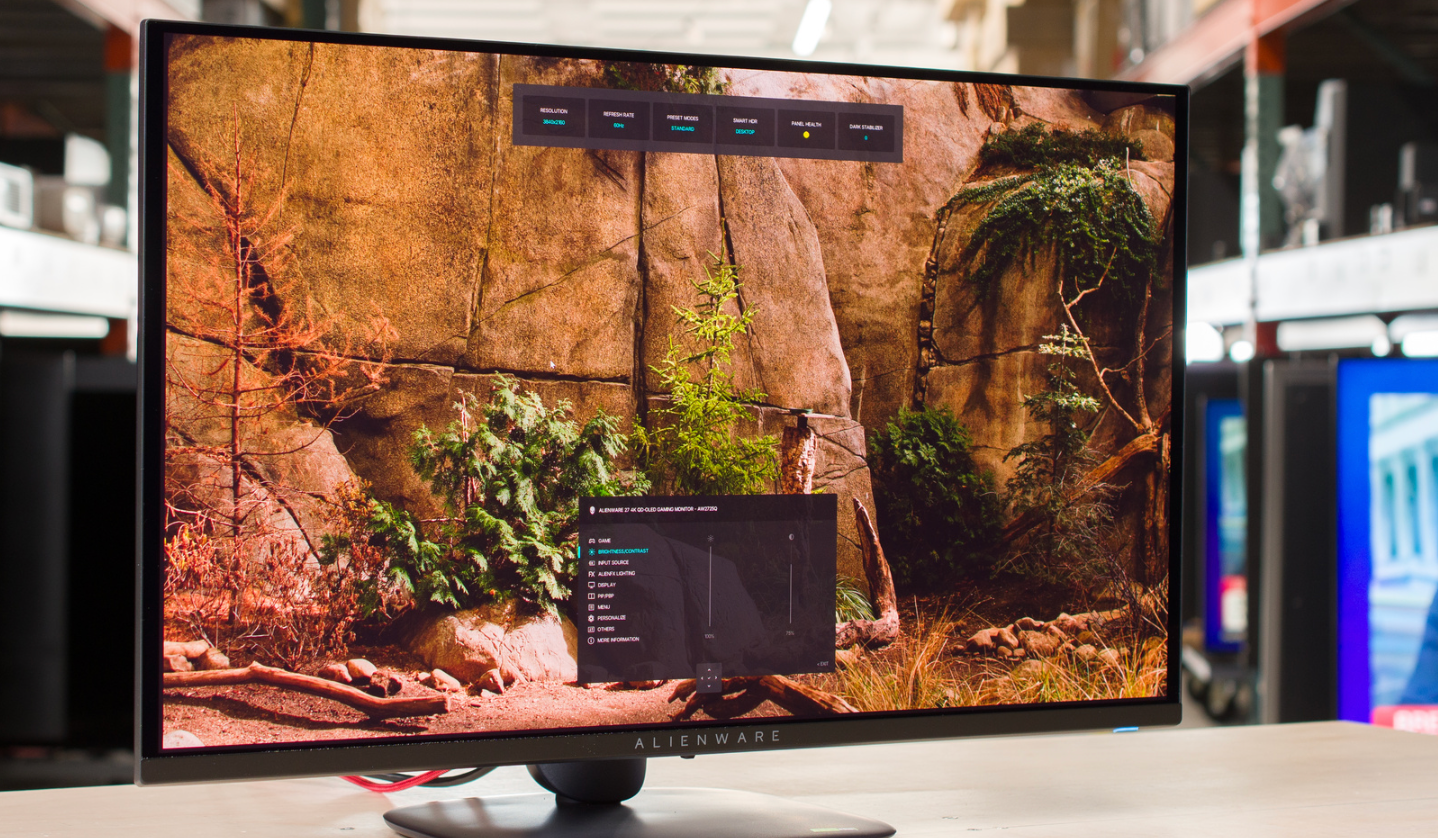
The Dell Alienware AW2725Q is a premium 4k, 240Hz QD-OLED gaming monitor. With a 27-inch screen, it competes against other models with the same screen specs, like the ASUS ROG Swift OLED PG27UCDM and the MSI MPG 272URX QD-OLED. Part of the Alienware lineup, it’s a smaller alternative to the Dell Alienware AW3225QF, which is another QD-OLED with the same resolution and refresh rate, but unlike the curved screen of the larger model, the AW2725Q has a flat screen instead. It has typical gaming features, like VRR support and HDMI 2.1 bandwidth. It also comes with some extra perks, like Dolby Vision and an eARC port that supports Dolby Atmos passthrough to a compatible receiver or soundbar. Like most OLED monitors, it also has settings to help reduce the risk of burn-in, and it comes with a three-year warranty in the United States, although this can vary between regions.
3. Acer Nitro XV275K P5biipruzx
The Acer Nitro XV275K P5biipruzx is a mid-range, 27-inch Mini LED gaming monitor. Competing with other Mini LED options, like the INNOCN 27M2V and the MSI MPG 274URDFW E16M, it replaces the popular Acer Nitro XV275K P3biipruzx and is higher-end than the Acer Nitro XV275U P3biipx. It has a few new perks, including a dual mode that switches its native 4k resolution and 160Hz refresh rate to 1080p, 320Hz for a smoother feel. It also has more dimming zones than the previous model, with 1,152 zones. It comes with a similar selection of ports as the older model, including a small USB hub that features a USB-C port with DisplayPort Alt Mode, a KVM switch, and HDMI 2.1 bandwidth.
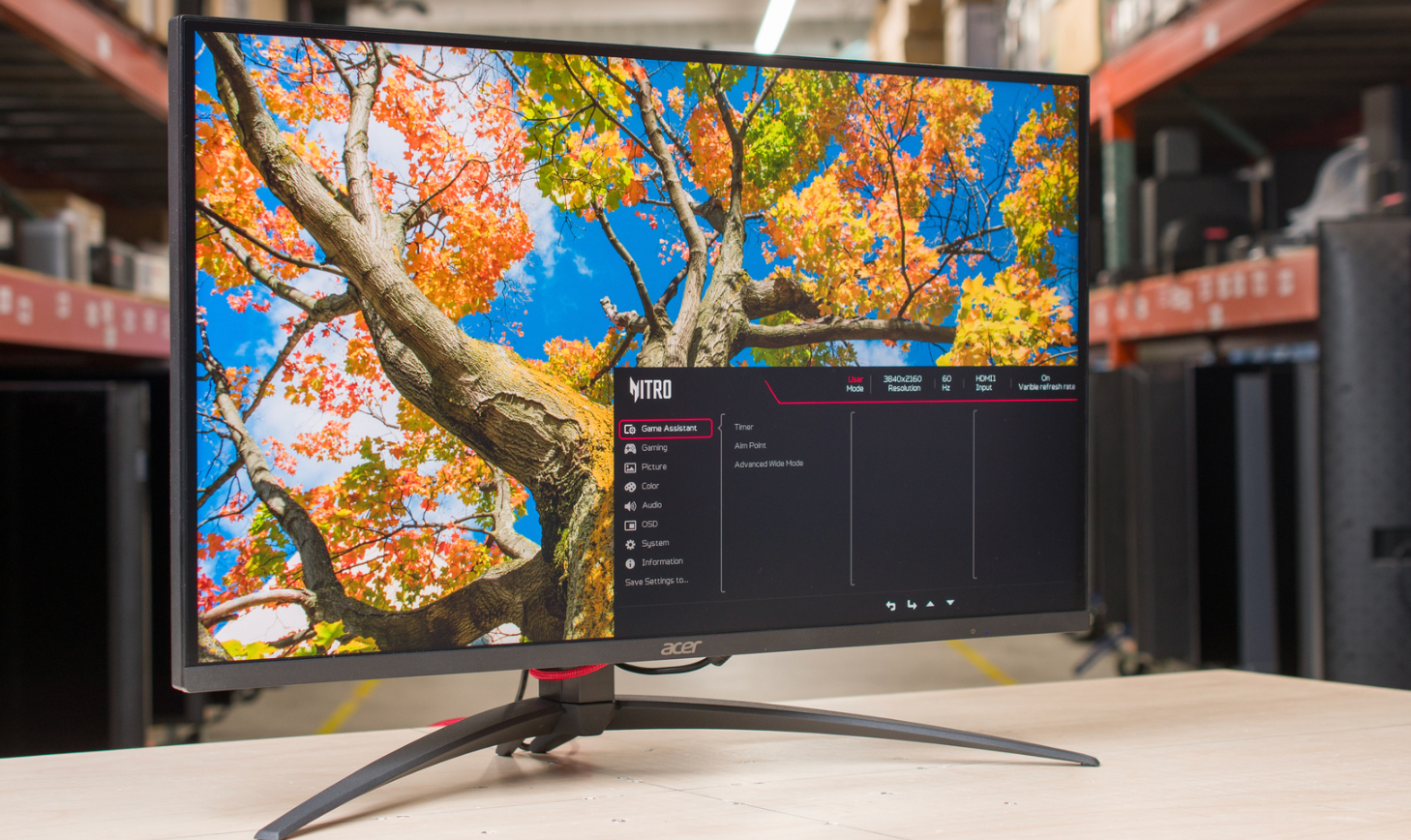
If you don’t have the budget for premium models like the ASUS ROG Swift OLED PG27UCDM or the Dell Alienware AW2725Q, there are some good mid-range monitors you can consider. One of those is the Acer Nitro XV275K P5biipruzx, which is worth getting when you can find it on sale for less than the Dell. Like the ASUS and Dell displays, it also has 4k resolution and HDMI 2.1 bandwidth to take advantage of the Xbox Series X with 4k signals up to 120Hz, except it doesn’t support Dolby Vision. It has a slower response time and more blur with fast-moving objects than the ASUS and Dell monitors, but motion still looks sharp for the most part. Also, gaming feels responsive thanks to its low input lag.
AOC Q27G3XMN
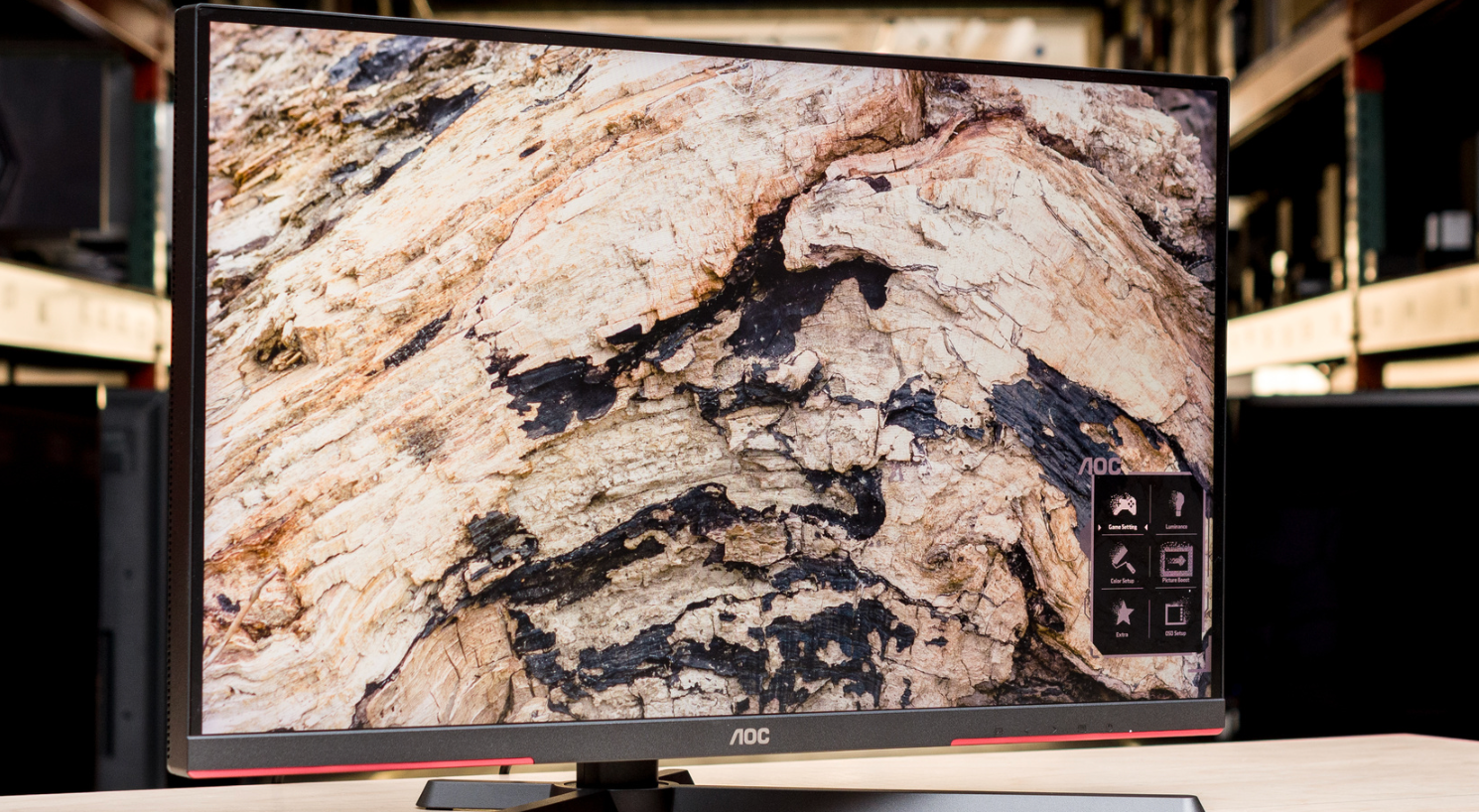
The AOC Q27G3XMN is a 27-inch budget gaming monitor. Competing with the Acer Nitro XV275U P3biipx, it’s rather unique for a low-cost monitor as it features Mini LED backlighting with 336 dimming zones, which is mainly something more expensive monitors have. It also has VESA DisplayHDR 1000 certification to ensure a high brightness and contrast ratio. Besides that, it’s focused on gaming as it has a VA panel with a 1440p resolution and a 180Hz max refresh rate. It also has variable refresh rate (VRR) support. It comes with an ergonomic stand, one DisplayPort 1.4 input, and two HDMI 2.0 ports, but other than that, it’s barebones in extra features.
The AOC Q27G3XMN is an impressive budget PC gaming monitor with better picture quality than most other low-cost models, thanks to its Mini LED backlighting, making it a great choice whether you game in a bright or dark room. While it doesn’t have HDMI 2.1 bandwidth to take advantage of gaming consoles, it’s still an excellent choice for PC gaming, thanks to its fast response time. It doesn’t have as much smearing as on other monitors with VA panels, but it’s still there, and it has distracting VRR flicker with changing frame rates. If that bothers you, you can consider an IPS option with Mini LED backlighting, like the Xiaomi G Pro 27i or KOORUI S2721PM.
Dell Alienware AW2725DM
The Dell Alienware AW2725DM is an entry-level 1440p gaming monitor. Replacing the Dell Alienware AW2724DM, it sits alongside the Dell Alienware AW3225DM, which is a larger model with a different panel type. This monitor has a 27-inch screen with an IPS panel and a 180Hz refresh rate. It competes against other entry-level gaming monitors with similar specs, like the ASUS ROG Strix XG27ACS, the MSI G274QPF-QD, and the LG 27G610A-B. It has typical gaming features, like support for all common VRR formats. It’s limited in extra features otherwise, as it has HDMI 2.0 and DisplayPort 1.4 inputs, but it has a small USB hub that includes two USB-A ports.
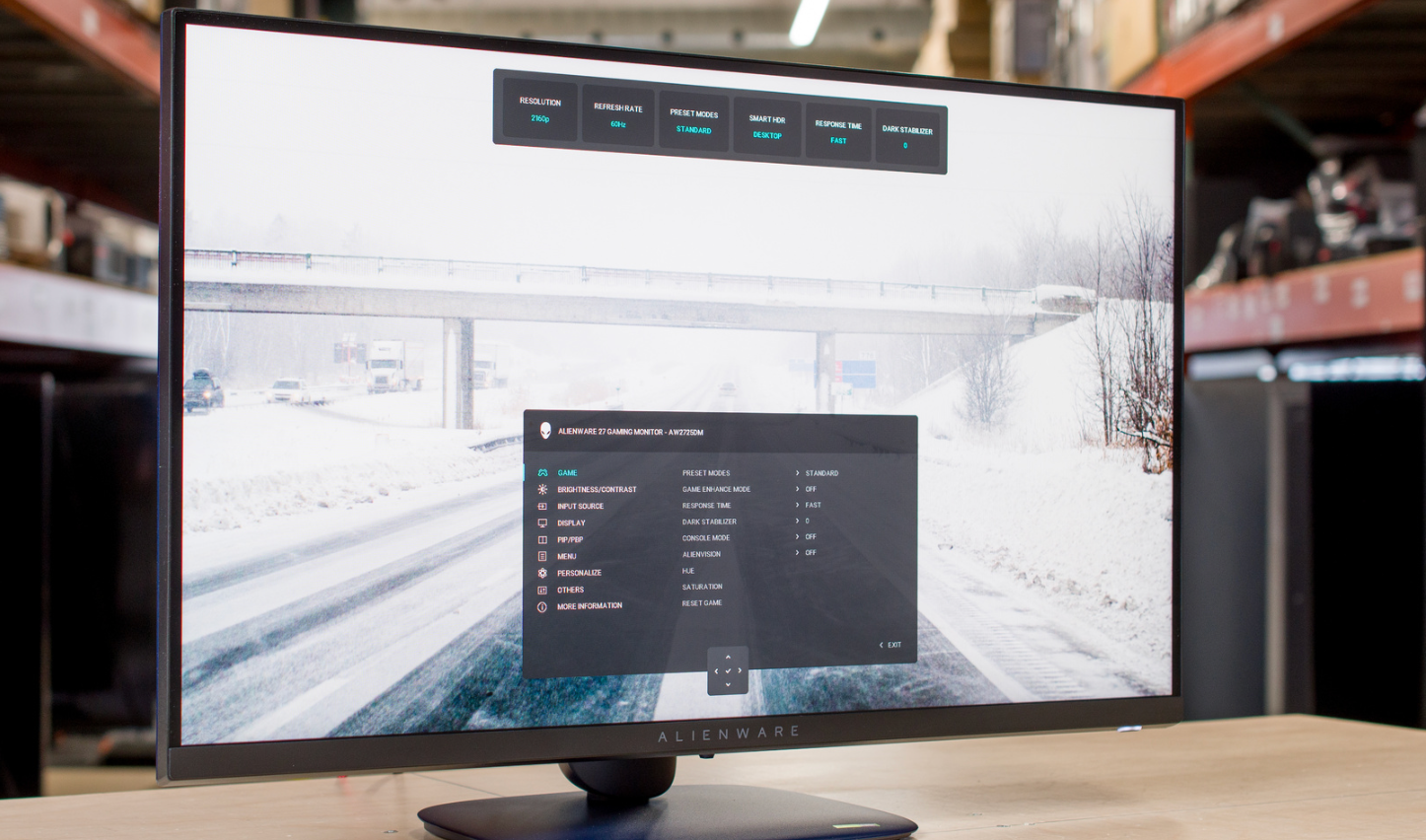
The Dell AW2725DM is a cheap entry-level monitor that offers the basics for gaming. It has a 180Hz refresh rate and supports all common VRR formats. It also has good enough motion handling for playing fast-paced games, but there’s more blur if you use VRR than if you disable it, which is disappointing for a gaming monitor. Its biggest downside is its terrible local dimming feature, which you can’t disable in HDR, so it looks even worse in HDR than competing models like the ASUS ROG Strix XG27ACS or the MSI G274QPF-QD. However, if you’re looking for a low-cost SDR gaming monitor and don’t need anything fancy, this monitor certainly does the trick.